Installing Home Assistant with Docker Compose
This guide shows a simple way to install Home Assistant using Docker Compose on Ubuntu.
Home Assistant is a powerful open-source home automation platform.
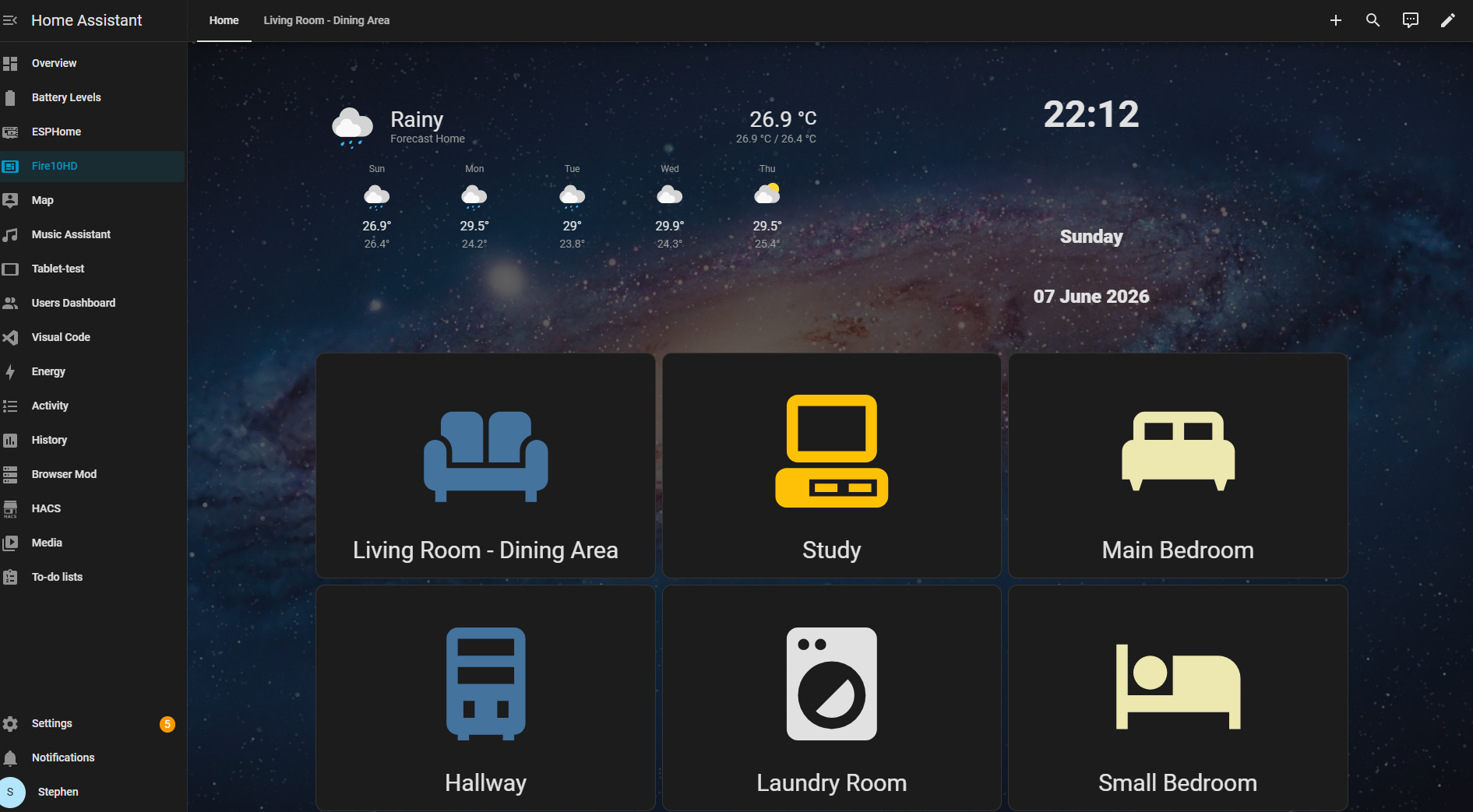
Home Assistant screenshot from my homelab.
Official project:
Create the project folder
mkdir -p ~/docker/homeassistant
cd ~/docker/homeassistant
Create the Docker Compose file
Create:
nano docker-compose.yml
Paste:
services:
  homeassistant:
    image: ghcr.io/home-assistant/home-assistant:stable
    container_name: homeassistant
    network_mode: host
    volumes:
      - ./config:/config
      - /etc/localtime:/etc/localtime:ro
    restart: unless-stopped
Start Home Assistant
Run:
docker compose up -d
Access Home Assistant
Open:
http://YOUR_SERVER_IP:8123
Example:
http://192.168.1.50:8123
Notes
network_mode: hostis recommended for device discovery- Configuration files are stored in the
configfolder - First startup may take several minutes
Personal Production Setup (Reference Only)
This is my personal production configuration and may include host-specific settings. It is not intended as a copy-paste template.
services:
  homeassistant:
    image: ghcr.io/home-assistant/home-assistant:stable
    container_name: homeassistant
    stop_grace_period: 60s
    network_mode: host

    environment:
      - TZ=America/Santo_Domingo

    volumes:
      - /opt/docker/homeassistant/config:/config
      - /etc/localtime:/etc/localtime:ro

    restart: unless-stopped